For a small or mid-sized event in India, your checklist should answer six questions: who owns each task, what approvals are needed, how tickets are sold, how entry is verified, how money is reconciled, and what happens if turnout changes. Start with a simple run sheet, lock venue and ticketing before promotions, and treat check-in as an operations workflow, not a last-minute volunteer task.
This is an operating guide, not legal or tax advice. Confirm local permissions, tax treatment, contracts, and safety obligations with the venue, local authorities, your CA, and counsel where needed.
Choose the right planning depth
Not every event needs the same process. Use the smallest checklist that still controls money, crowd flow, and safety.
| Event type | Typical risk | Must-have controls | Avoid overbuilding |
|---|---|---|---|
| 20-person paid workshop | Refund disputes, no-shows | Payment proof, attendee list, simple check-in | Complex stage plan |
| 100-person community meetup | Door crowd, duplicate entries | QR ticketing, volunteer briefing, escalation owner | Multi-layer approvals |
| 500-person college fest | Entry fraud, crowd flow, vendor delays | QR scanning, gate lanes, sponsor tracker, police/venue coordination check | Manual spreadsheet-only entry |
| Corporate seminar | VIP handling, invoice requests | RSVP status, badge list, finance reconciliation | Public-style ticket hype |
If your event is ticketed, also read How to Sell Event Tickets Online in India before choosing your sales flow.
Master checklist by timeline
30 to 45 days before: define the event clearly
- Write the event objective in one line: revenue, brand, community, hiring, education, or sponsor activation.
- Set the date, city, expected attendance, and backup date if relevant.
- Decide whether entry is free, paid, invite-only, or sponsor-covered.
- Assign one owner each for venue, tickets, marketing, vendors, finance, and day-of operations.
- Create a single event folder for contracts, invoices, creative files, attendee exports, and permits.
- Shortlist venues based on capacity, access, parking, washrooms, power, stage needs, and cancellation terms.
- Ask the venue what permissions, safety documents, noise rules, or local coordination they expect. Confirm independently where the risk is material.
21 to 30 days before: lock budget and ticketing
Build the event budget before announcing ticket prices.
Hypothetical example: 150-person paid workshop in Coimbatore
| Item | Assumption | Amount |
|---|---|---|
| Venue | Half-day hall | INR 18,000 |
| Speaker travel/honorarium | Fixed | INR 25,000 |
| Tea/snacks | INR 180 x 150 | INR 27,000 |
| Design and printing | Posters, badges, standees | INR 8,000 |
| Ticketing/payment fees | Estimate, platform-dependent | INR 5,000 |
| Volunteers and local transport | Fixed | INR 7,000 |
| Contingency | About 10% | INR 9,000 |
| Estimated cost | INR 99,000 |
If tickets are INR 999 each and you expect 120 paid attendees, gross ticket revenue is INR 119,880. That gives almost no margin after refunds, discounts, or tax treatment. The decision is clear: raise the price, reduce costs, add sponsors, or cap the event scope.
Before sales open:
- Decide ticket categories: early bird, regular, student, VIP, team pass, or free RSVP.
- Set refund and transfer rules in plain language.
- Decide whether attendees receive invoices or simple payment receipts.
- Confirm GST, TDS, sponsorship invoice, and accounting treatment with your CA.
- Use UPI, cards, net banking, or offline collection only if you can reconcile each payment to a ticket record.
- Create a manual exception log for complimentary tickets, speaker passes, sponsor passes, and refunds.
For platform cost planning, compare fee structures separately; ticketing fees can change your break-even point. This related guide may help: Event Ticketing Platform Fees in India: 2026 Comparison.
Ticketing and entry checklist
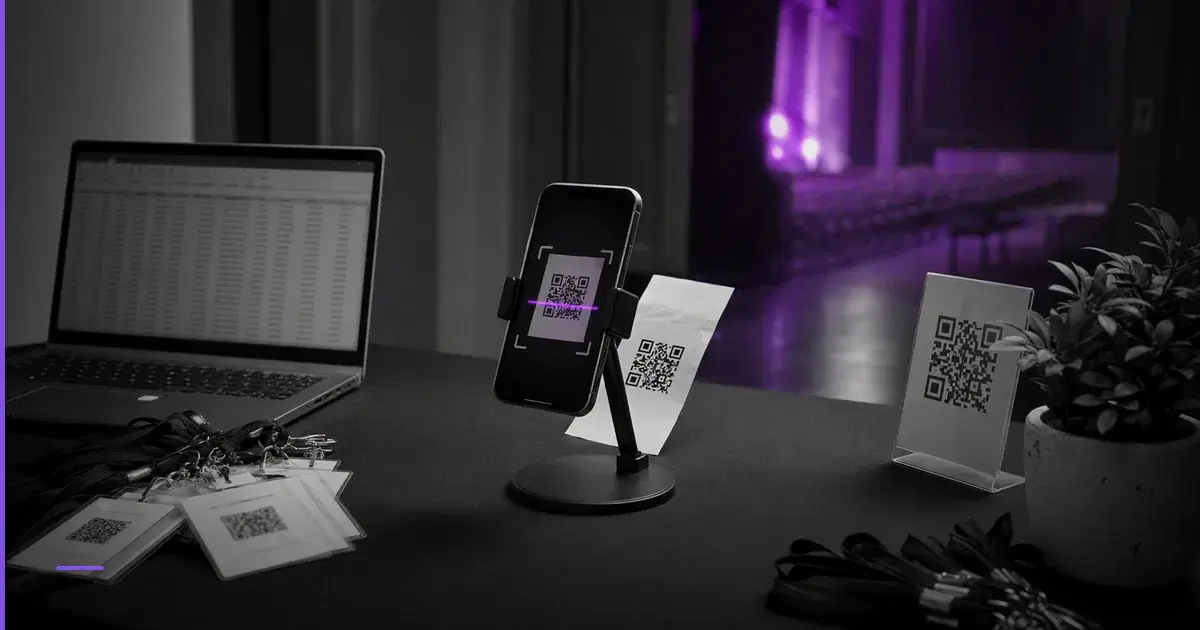
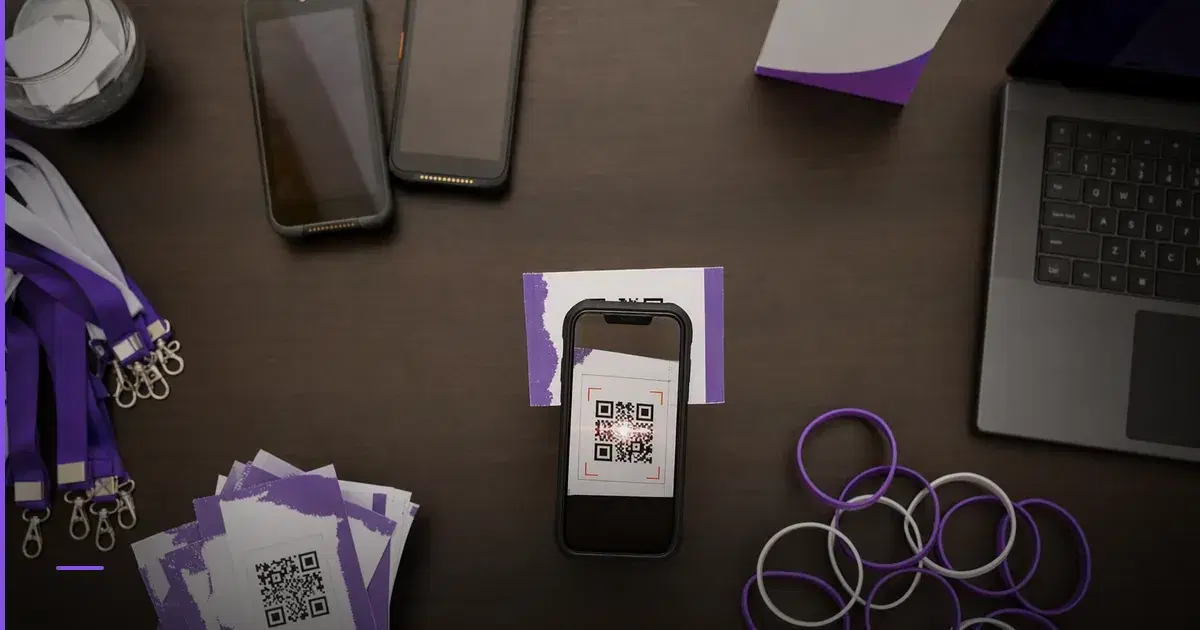
A good ticketing setup prevents three common problems: unpaid attendees entering, genuine attendees being blocked, and volunteers making inconsistent decisions at the gate.
Before ticket sales go live
- Event name, date, venue, map link, start time, gate open time, and end time are final.
- Ticket page clearly states refund, transfer, age, ID, parking, and prohibited-item rules.
- Every paid ticket creates a unique attendee record.
- Every ticket has a unique QR code or equivalent verification method.
- The organizer can export attendee lists before the event.
- The check-in team can see whether a ticket is unused, checked in, cancelled, refunded, or duplicate.
- Offline payments are not accepted unless one person owns manual ticket creation.
Gate setup
- Separate lanes for paid attendees, VIP/speakers, sponsors, and on-site issue resolution.
- At least one senior organizer is not scanning tickets; their job is only to resolve disputes.
- Volunteers have a short script: scan, confirm name if needed, mark entry, direct attendee.
- Duplicate QR scans are escalated, not argued at the main gate.
- A fallback attendee list is available if network connectivity fails.
- Wristbands, badges, or stamps are used if re-entry is allowed.
For a deeper entry-control comparison, see QR Code Ticketing System for Events: India Options.
Vendor, sponsor, and team controls
Most event failures come from unclear ownership. Use a simple owner table.
| Workstream | Owner | Deadline | Proof of completion |
|---|---|---|---|
| Venue booking | Operations lead | T-30 | Signed booking confirmation or email trail |
| Ticket page | Ticketing lead | T-21 | Test purchase completed |
| Speaker coordination | Program lead | T-14 | Final agenda and travel details |
| Sponsor deliverables | Partnerships lead | T-10 | Logo placements and stall plan approved |
| Catering | Vendor lead | T-7 | Final headcount and menu confirmed |
| QR check-in test | Gate lead | T-3 | Test scan with sample tickets |
| Cash/UPI reconciliation | Finance lead | T+1 | Sales, refunds, payouts, invoices matched |
Keep vendor instructions written. A phone call is useful, but the final quantity, price, arrival time, contact person, and cancellation rule should be visible in one shared document.
Day-of run sheet
Use this as a base and edit it for your event.
| Time | Action | Owner | Notes |
|---|---|---|---|
| 7:30 AM | Venue access and power check | Operations | Confirm hall, stage, projector, backup extension cords |
| 8:00 AM | Vendor arrival | Vendor lead | Catering, branding, registration desk materials |
| 8:30 AM | Volunteer briefing | Gate lead | Entry rules, escalation, emergency contacts |
| 9:00 AM | Speaker/VIP arrival window | Program lead | Green room or waiting area ready |
| 9:15 AM | Gates open | Gate team | QR scanning active, issue desk separate |
| 10:00 AM | Event starts | Host | Stop walk-ins from interrupting first session |
| Mid-event | Attendance count | Gate lead | Compare tickets sold vs checked in |
| End | Exit and feedback | Volunteers | Collect feedback, manage crowd flow |
| T+2 hours | Vendor settlement notes | Finance | Record pending invoices or disputes |
Print the run sheet or keep an offline copy. Do not depend only on a messaging group.
What to track after the event
Within 48 hours, close the loop.
- Tickets sold by category.
- Tickets checked in.
- No-shows.
- Refund requests.
- Complimentary entries.
- Sponsor deliverables completed.
- Vendor invoices pending.
- Payment settlement status.
- Actual cost versus budget.
- Attendee complaints and operational fixes.
A simple post-event review should answer: should we repeat this event, what should we change, and what was the real cost per attendee?
Common trade-offs
Manual spreadsheets are cheap but fragile. They can work for a 25-person invite-only workshop. They are risky when multiple people collect payments or manage entry.
QR ticketing adds setup work but reduces gate confusion. It is most useful when tickets are transferable, paid, or sold in multiple batches.
Early-bird discounts improve urgency but can damage margins. Use them only after calculating break-even.
Offline payments are familiar but harder to reconcile. If you accept them, assign one finance owner and issue tickets only after payment is confirmed.
More volunteers do not automatically improve entry. Clear lanes and escalation rules matter more than headcount.
If you want a dedicated tool, MakeMySquad is Zettaura's event ticketing platform with QR check-in and a per-event Squad group chat. The checklist above still applies whether you use software, spreadsheets, or a hybrid process.
FAQ
How early should I start planning a small paid event in India?
For a 50 to 150 person paid event, start at least 30 days ahead. You can move faster if the venue, speakers, and ticketing flow are already known, but promotions before budget and entry control are risky.
Should I allow on-spot registrations?
Only if you have a separate counter and a clear payment-to-ticket process. Do not let the same volunteer handle scanning, cash/UPI confirmation, and dispute resolution at a busy gate.
What is the most important document for the event team?
The day-of run sheet. It turns assumptions into timing, owners, and escalation paths. Keep it shorter than two pages so volunteers actually use it.
Closing note
Start with the budget, then the ticketing flow, then the gate plan. If those three are controlled, the rest of the event becomes easier to manage.
From the Zettaura team: We build products for founders and operators who need practical tools for events, documents, work, and professional presence. You can learn more about MakeMySquad and the wider Zettaura product suite at zettaura.com/products.